About this free AI tool
TKCORE AI lists this as a free tool in the directory: overview, use cases, a short tutorial, and FAQs—plus links to related tools and blog guides.
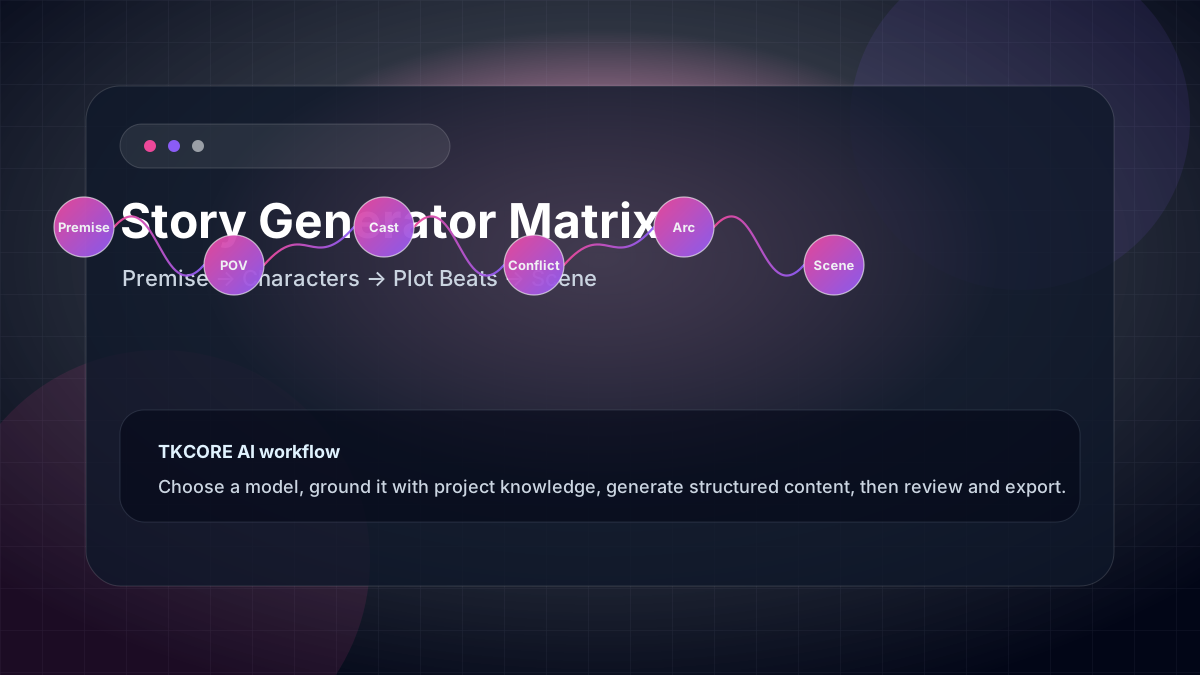
TKCORE AI Story Generator helps you go from a one-line premise to a readable fiction draft—short stories, scene openings, screenplay-style beats, fairy tales, and more. Set genre, length, audience, tone, cast, and setting in Advanced options, pick a creative model, then edit and export when the scene feels right.
Fiction writers rarely need another open-ended chat—they need a page that remembers narrative constraints between sessions. This workspace encodes POV, format, approximate word band, genre, and mood in the UI so every generation starts from the same creative brief, not from scratch in a message thread that forgets your world rules after a refresh.
Unlike a blank chat thread, this page encodes narrative constraints (POV, format, approximate word band) so the model keeps stakes, pacing, and voice closer to your intent—similar to how dedicated story tools on sites like ToolBaz organize prompts, but with TKCORE’s multi-model workspace, knowledge uploads, and Word/PDF export.
Who it is for: fiction writers, game masters, screenwriters, students, Wattpad authors, and creative teams prototyping characters, chapters, or quest hooks. If you draft scenes more than once a month, a dedicated story generator page saves time compared to re-explaining genre and POV in every new chat.
What you get on this page: a premise composer, rich Advanced panel for cast and world-building, live word count, formatted preview, and exports. Attach lore via TKCORE Projects knowledge files so sequels stay consistent with your bible.
Features
- Premise-first composer — describe conflict, hook, or “what happens next” in one focused box.
- Rich Advanced panel — target audience, tone/mood, character sheet, setting & atmosphere, format, length band, genre, and POV.
- Formats — prose, short story, screenplay, stageplay, letter, diary, myth, fable, poem, and more.
- Genre presets — sci-fi, fantasy, romance, mystery, thriller, horror, historical, and other fiction lanes.
- Length bands — from flash fiction (~300–600 words) up to novella-lite outlines (~2k–3k words).
- Multi-model creativity — compare DeepSeek, Qwen, Kimi, and other models for voice and imagery.
- Export — copy, .txt, Word, or PDF for workshops, beta readers, or story bibles.
- Knowledge context — attach world-building notes or character bibles so sequels stay consistent.
- Sample premises — use Try sample to explore the UI with realistic fiction briefs instantly.
Creative jobs this page handles well
- Cold-open scenes — hook readers in the first 200 words with sensory detail and a clear story question.
- Chapter trials — test whether a premise sustains tension before you commit to a full novel outline.
- TTRPG & game narrative — NPC backstory, quest blurbs, and location atmosphere for tables.
- Screen & stage experiments — screenplay or stageplay format with dialogue-forward pacing.
- Serial fiction — regenerate chapter openings with the same knowledge files and POV locked in Advanced options.
When to use it
TKCORE Story Generator fits any workflow where you have a story idea but need momentum on the page. Below are the most common creative jobs writers and teams run here every week.
- Hobby fiction — draft weekend short stories with consistent POV and genre tone.
- Writing classes — generate starter scenes students must revise (teaches editing, not just generation).
- Content studios — prototype interactive fiction, visual-novel scripts, or podcast narration scripts.
- Franchise bibles — attach lore files via knowledge; regenerate scenes that respect established rules.
- Cross-media pipelines — story draft → character art → narration.
- NaNoWriMo & sprint drafting — hit word-count targets with structured length bands instead of vague “write more” prompts.
- Submission prep — export Word/PDF for critique partners, then revise for originality before literary magazine submission.
Problems, value, and outcomes
Problems it helps solve: “I have characters but no plot momentum,” or “chat AI drifts genre mid-scene.” Value: narrative fields act like a brief for a human ghostwriter—POV, genre, and length stay visible on the page, not buried in chat history.
Generic chat excels at brainstorming but often loses POV, tense, or genre halfway through a scene. A dedicated fiction workspace keeps those constraints in Advanced options so you spend less time fixing continuity errors and more time rewriting for voice.
Originality: add your own twists, names, and lived detail after generation. AI fiction should be rewritten where it feels generic; for publication, follow platform rules on AI-assisted work.
How TKCORE compares
Choosing a story AI tool is about creative control—not just pretty prose. Here is how TKCORE Story Generator compares to common alternatives for fiction drafting.
| Capability | TKCORE Story Generator | Generic chat (ChatGPT, etc.) | Quick generator (ToolBaz-style) |
|---|---|---|---|
| Genre & POV controls | Built-in Advanced panel | Manual prompt each time | Basic genre dropdown |
| Format presets | Screenplay, prose, myth, poem, more | Ask in chat | Often prose only |
| Character & setting fields | Dedicated optional text areas | Paste into message | Limited or none |
| World-building context | Knowledge file uploads | Custom GPTs or pasted lore | Rarely supported |
| Multi-model choice | DeepSeek, Qwen, Kimi, GLM, more | Model picker in chat | Usually single backend |
| Word / PDF export | One-click from workspace | Copy-paste + manual format | Often copy only |
Bottom line: if you write fiction regularly, TKCORE gives you a repeatable creative URL with lore attached—not a conversation that resets. For one-off “what if” ideas, chat is fine; for chapters, campaigns, and serialized worlds, a story workspace wins on consistency.
What teams say
“I attach our campaign bible as knowledge and generate quest hooks that actually respect faction names. My players noticed the difference immediately.”
“Flash fiction sprints used to mean fighting ChatGPT over POV drift. Here I lock third limited, set length to short, and export PDF for my critique group the same night.”
“We prototype visual-novel scenes with screenplay format, then hand the Word export to our narrative designer. Two models on the same premise let us pick the voice that fits the IP.”
These are representative workflows from teams using TKCORE fiction tools. Output quality depends on premise specificity, model choice, and revision time—always edit before publish or submit.
How it works
How to use Story Generator (step-by-step)
- Write the premise — who wants what, what blocks them, and the mood (use Try sample for inspiration).
- Set language & model — creative models often produce richer imagery; retry with a second model if voice feels flat.
- Open Advanced options — audience, tone, optional character & setting boxes, format, length, genre, and narrative perspective.
- Generate — read for continuity (names, POV, tense); regenerate with tighter notes if the arc drifts.
- Export & continue — save Word/PDF, or paste into your manuscript tool; use a follow-up prompt in the premise for “chapter 2.”
Prompt tips for stronger fiction
- Name the emotion — “bittersweet reunion” beats “dramatic scene.”
- Anchor the senses — one smell, sound, or texture helps the model ground description.
- Limit cast — 1–3 characters in the character box reduces confusion in short lengths.
- Specify the ending shape — cliffhanger, twist, or quiet resolution in Additional notes.
- Compare models — run the same premise on two models when imagery or dialogue quality matters.
Example outcome
Example workflow: a game master sets genre fantasy, length medium, POV third limited, and pastes faction notes into knowledge. The generator produces a quest-opening scene; the GM exports PDF for the session, then uses Plot generator for beat sheets and Text to Image for location art.
Serial fiction case study: a Wattpad author writes a sci-fi romance in weekly installments. Each chapter starts from a premise box (“hero discovers the colony ship’s garden is alive”) with POV and tone locked in Advanced options. Knowledge files hold ship layout and character ages. The author exports .doc, rewrites dialogue for voice, and posts—continuity errors dropped because lore stays attached to the project.
Screenwriting case study: a film student drafts a thriller elevator scene in screenplay format, length short, two characters in the cast field. They generate twice—once with a fast model for structure, once with a creative model for subtext—merge the best lines manually, and export PDF for a table read.
Examples
Premise example
A lighthouse keeper receives weather reports that describe tomorrow’s disasters before they happen—but only for strangers, never for the town.
Expected draft
An opening scene with setting, protagonist desire, rising unease, sensory detail, dialogue, and a final beat that invites the next chapter.
Screenplay-style brief
Format: screenplay. Genre: thriller. Length: short. POV: third limited. Two characters in a stalled elevator; one is lying about why they are there.
Reusable templates
Short story template
Genre: [genre]. Length: [band]. POV: [pov]. Premise: [conflict]. Characters: [traits]. Setting: [place/mood]. Tone: [tone]. Ending: [cliffhanger/resolve].
Scene continuation
Continue the story after: [paste last paragraph]. Keep POV [pov] and tone [tone]. Escalate conflict with [stakes]. Do not introduce new main characters.
Revision checklist
Fix name drift, unify tense, cut redundant adjectives, strengthen opening hook, clarify protagonist goal by paragraph 2, ensure final line echoes theme.
FAQ
- What can Story Generator write?
- Fiction-forward drafts: short stories, vignettes, many format presets (prose, screenplay, myth, poem, etc.), with genre and length controls in Advanced options.
- How long can the story be?
- Choose a length band from flash (~300–600 words) up to novella-lite (~2000–3000 words). Longer novels are better built chapter-by-chapter with consistent knowledge files.
- Can I control point of view?
- Yes—select first person, third limited, omniscient, second person, stream of consciousness, epistolary, or multiple perspectives in Advanced options.
- Is it free?
- The page is a free TKCORE tool in the directory. Generation may require sign-in depending on your site configuration and plan limits.
- Will the story be publishable as-is?
- Treat output as a first draft. Revise for originality, voice, and platform policies; AI-assisted fiction often needs human editing before submission.
- Can I upload world-building files?
- Yes—use Knowledge in the toolbar to attach notes so sequels respect your lore, names, and rules.
- How do I avoid generic fantasy or sci-fi tropes?
- Add specific constraints in character, setting, and Additional notes fields; regenerate with a different model; then rewrite clichés manually.
- Can I export the draft?
- Yes—copy, .txt, Word (.doc), or PDF from the Export panel after generation completes.
- Which model is best for creative fiction?
- Try a creative-leaning model first for imagery and dialogue; use a reasoning model when plot logic or mystery clues must stay tight. Compare two runs on the same premise.
- Can I write chapter-by-chapter for a novel?
- Yes. Keep knowledge files and POV/genre in Advanced options stable, then update the premise each session with “continue after: [last paragraph]” or use the scene continuation template below.